1. Configure
Allow requests for orders to be made only from your website by creating a whitelist of domains. This allows you to control where people order and when the plugin is shown.
Developer Information
Allow requests for orders to be made only from your website by creating a whitelist of domains. This allows you to control where people order and when the plugin is shown.
Developer Information<span class="cast_button" />
<script>
window.castSettings = {
organizationId: '591de7f5a55e08e637a74686',
app: 'fusiform',
devices: ['v2-d47c89a8-73e9-4f7c-9a4f-679d2862ed22'],
};
window.addEventListener('click', (event) => {
if (event.srcElement.className === 'cast_button') {
window.openPlugin(window.castSettings);
}
});
</script>
<script src="https://plugin.factoryfour.com/
factoryfour-orders-plugin.min.js"></script>As little as 10 lines of code added to your website allows the plugin to create an immersive ordering experience. Use a standard button or your own buttons to activate the plugin.
Developer Information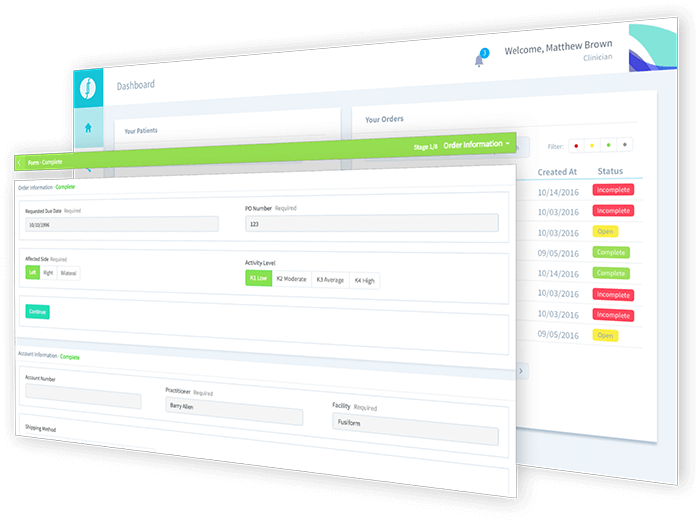
Receive orders directly in the Fusiform Vendor or FactoryFour Applications. Seamlessly use the same rules to send updates to clinicians.
Try Now